
Reply with the question in view.
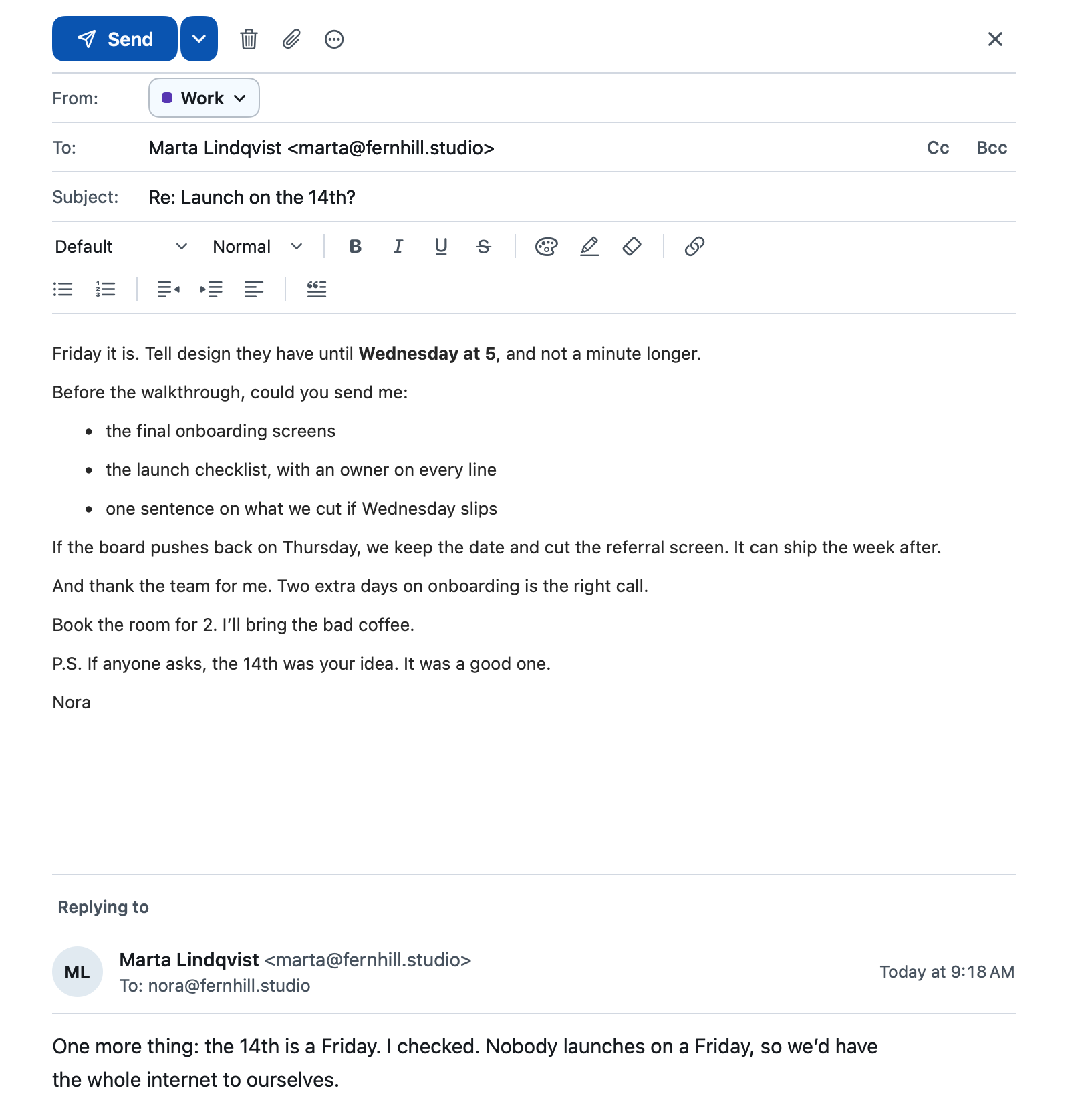
The email you’re answering sits right under your reply, so you can check what Marta asked without losing your place.
Some mail apps want you to learn a whole new way to do email. Others still get the small things wrong. Flipper is the email you already know, with the small things done right.
The email you’re answering sits right under your reply, so you can check what Marta asked without losing your place.
Search updates with every letter, newest first, across every account, and since Flipper searches the copy on your Mac, it works on a plane.
Press Send and a countdown holds the email for 5, 10, 20 or 30 seconds, your choice; Undo or ⌘Z brings the draft back.
Flipper is a native Mac app, written in Swift, not a website in a window. It keeps an encrypted copy of your mail on your Mac, everything except Spam and Trash, so the Inbox opens with no connection at all. Work and personal Gmail accounts share one Inbox.